 SUNOYMOUS
 Not on sale yet
How it works
From song to finished video in four steps
You make the choices that matter. Su does the planning, your PC does the filming, and Sunoymous does the editing.
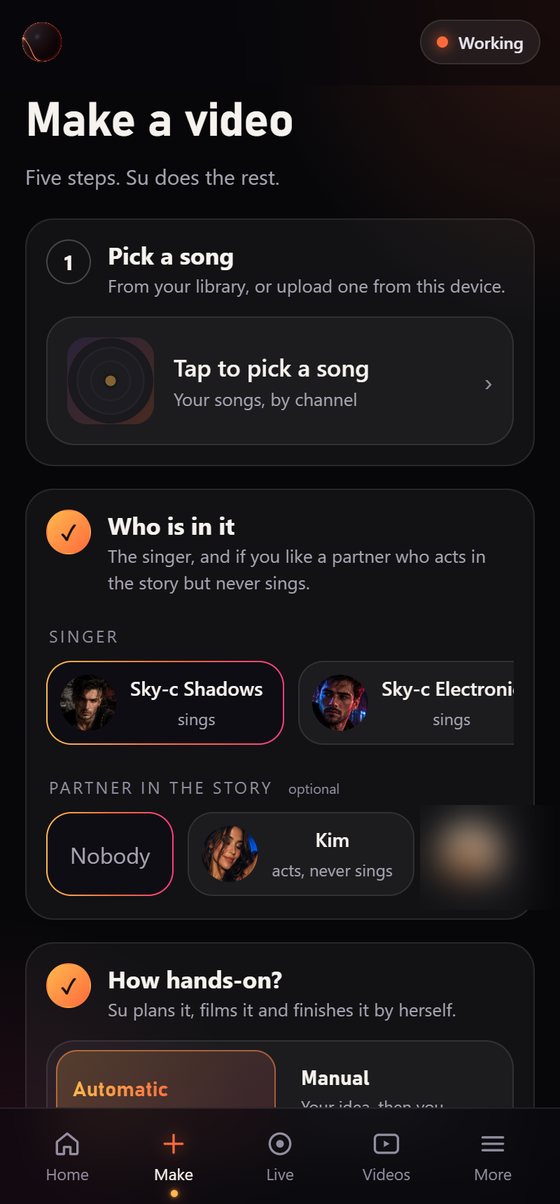
Pick your song and who sings it
Choose a track from your library or upload one. Pick the singer: a face model you trained, or a photo. Add a partner who acts in the story without singing.
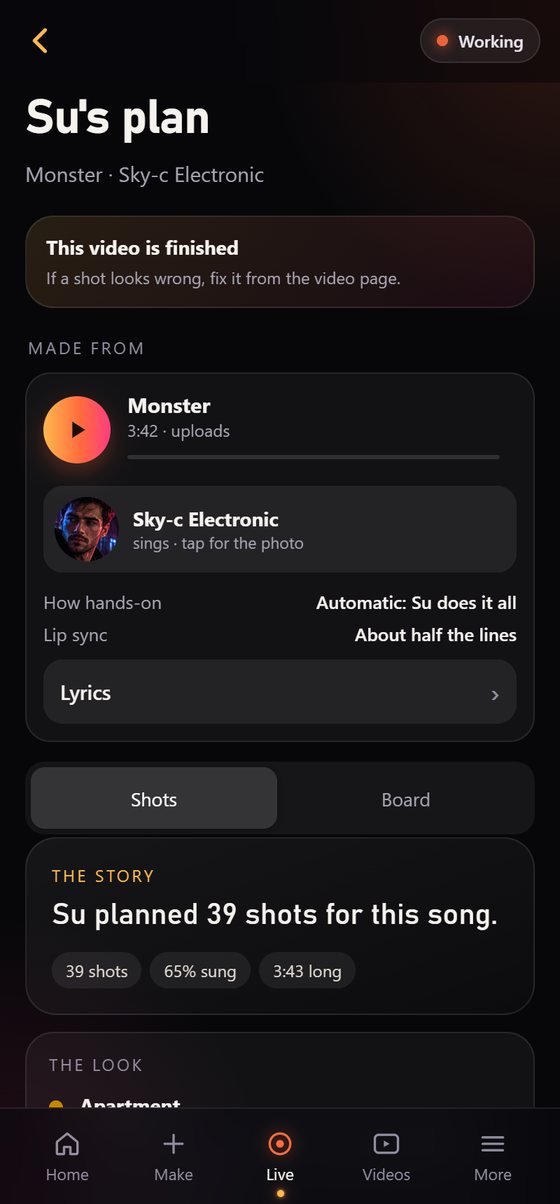
About a minuteSu plans the video
Su, the AI director on your PC, listens for the beats and the sections, writes the story, picks the places and plans every shot, camera move and outfit. You check the plan and change anything before a single frame is filmed.
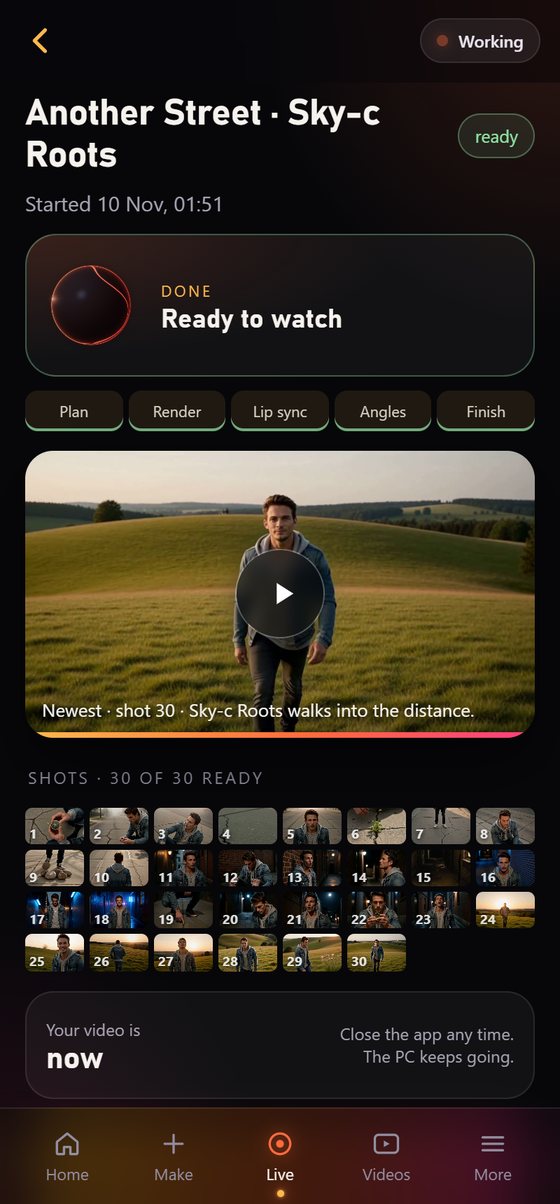
MinutesYour PC films it
Every shot is filmed with the singer’s face, and every sung line gets lip sync. Watch the shots arrive on your phone, from anywhere.
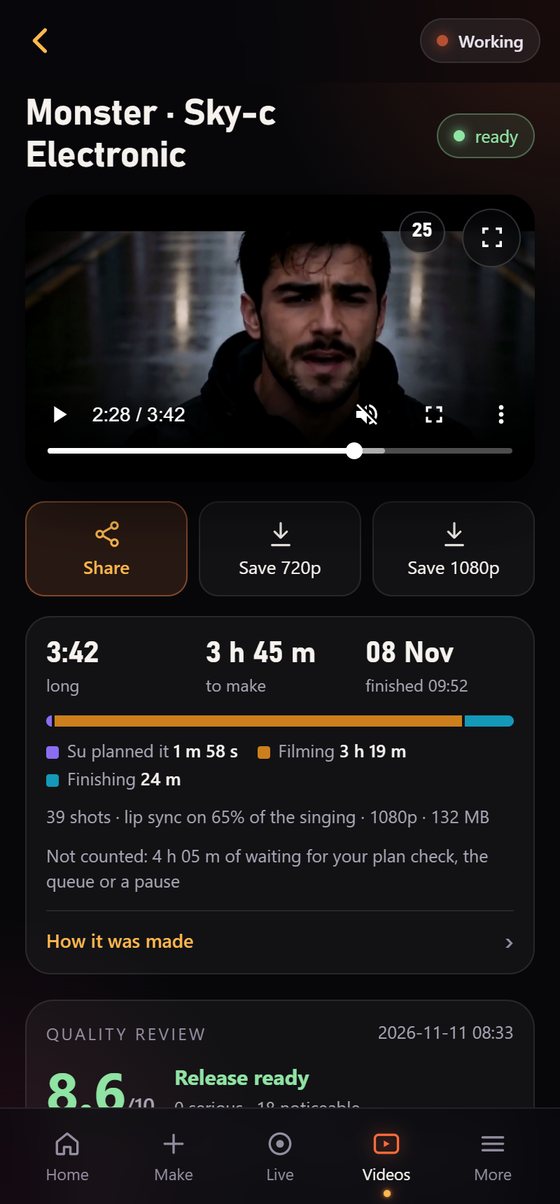
Most of the 2½ to 4 hoursFinished, ready to post
Extra camera angles on the choruses, a cut on the beat, lyric captions, a title card and a quality report. Save the 1080p master or share a phone copy. If a shot looks wrong, tap it, say what to change, and Su films it again.
Ready to share
Latest render
Pull, start to finish
A real Sky-c Underground video, measured on the PC Sunoymous is built on.
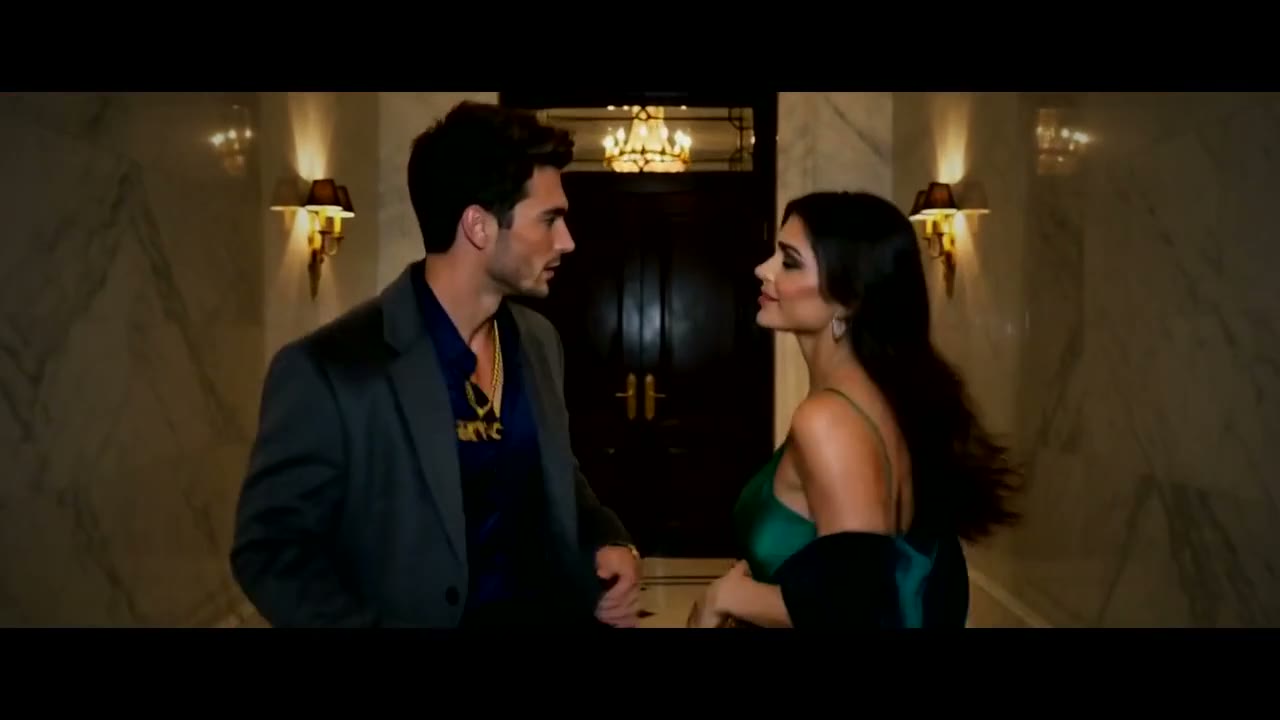 ▶ Watch the trailer
- Song3:21
- Plan to finished video2 h 28 m
- Graphics cardRTX 3090 Ti
- Video memory24 GB
A 5:36 song with every line lip-synced took about 4 h 40 m on the same PC. You can close the app and follow along on your phone.