 SUNOYMOUS
 Not on sale yet
Tutorials
Learn it in an evening
Six short guides, in the order you will need them. Tap a guide to open it.
Start here · 10 min, plus the downloadInstall SunoymousSet up the studio on your PC.
- Check your PC: Windows 11, an NVIDIA RTX card with 24 GB, 64 GB of memory and 300 GB free on an SSD. See the full specs.
- Run the installer. It checks your graphics card and driver first.
- Let it download the AI models once, about 130 GB.
- Sunoymous opens in its own window, ready for your first video.
The installer is still being built. This is the planned flow.
Start here · 5 minPut the app on your phoneYour phone becomes the remote.
- Install Tailscale on your PC and your phone, so they share a private network.
- In Sunoymous on your PC, open More, then Phone app, and scan the code.
- Enter your PIN on the phone.
- Tap Add to Home screen. Sunoymous now opens like any other app.
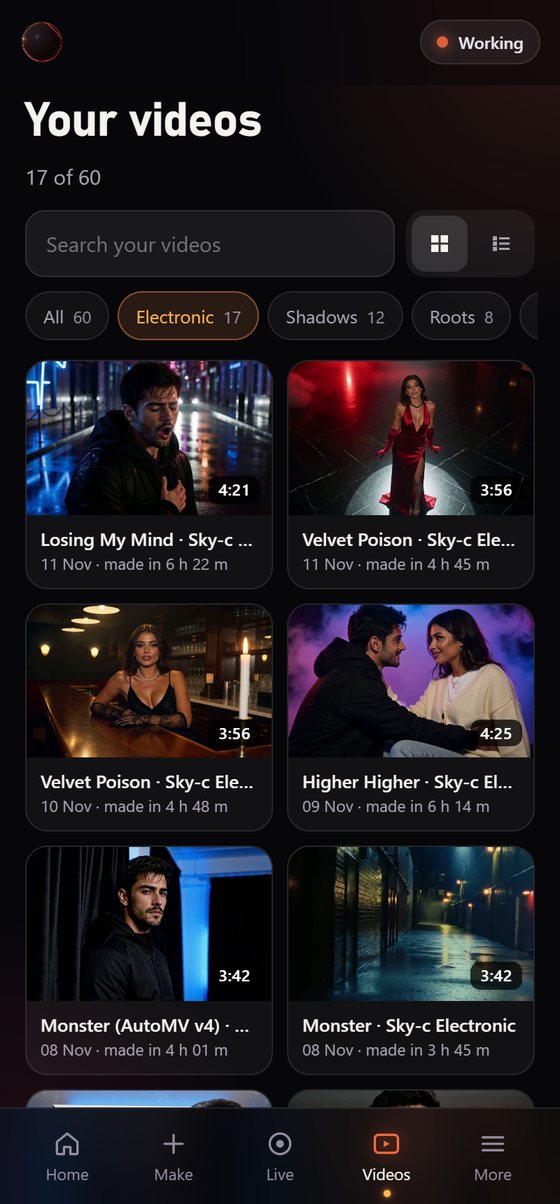
Basics · 2 minMake your first videoFrom song to plan in five taps.
- Tap Make.
- Pick a song from your library, or upload one.
- Choose who sings, and add a partner if you like.
- Choose Automatic, or Manual if you want to add your own idea.
- Tap Make video. Your phone buzzes when Su’s plan is ready.
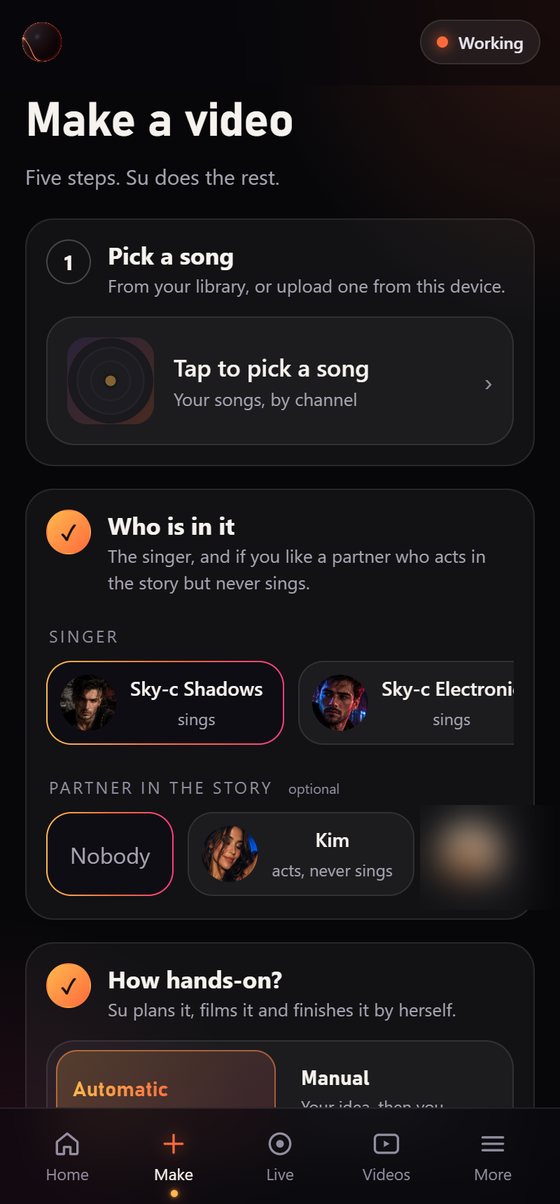
Basics · 5 minCheck Su’s planChange anything before filming.
- Open the plan when your phone buzzes.
- Read the story, then swipe through the board, one card per shot.
- Tap a shot to change what happens, the camera, the mood or where the eyes go.
- Tap Looks good. Filming starts, and nothing is filmed before that.
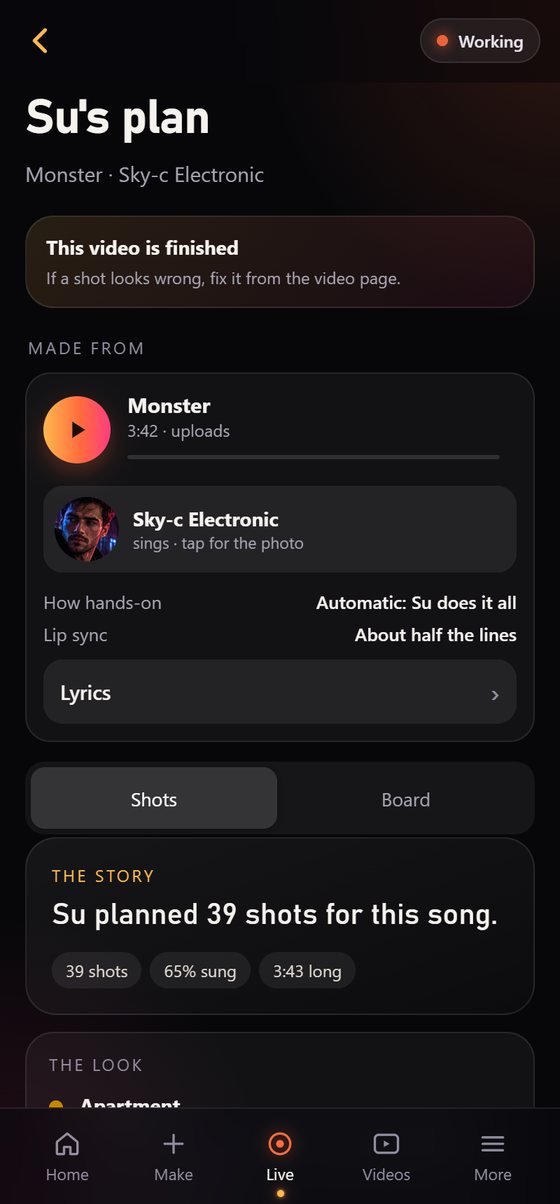
After filming · 1 minFix a shotTap it, say what’s wrong.
- Open the video, or Live while it is still filming.
- Tap the shot number you want to change.
- Say what to change, for example “look into the lens”.
- Su films that shot again, puts it in its place and recuts the video.
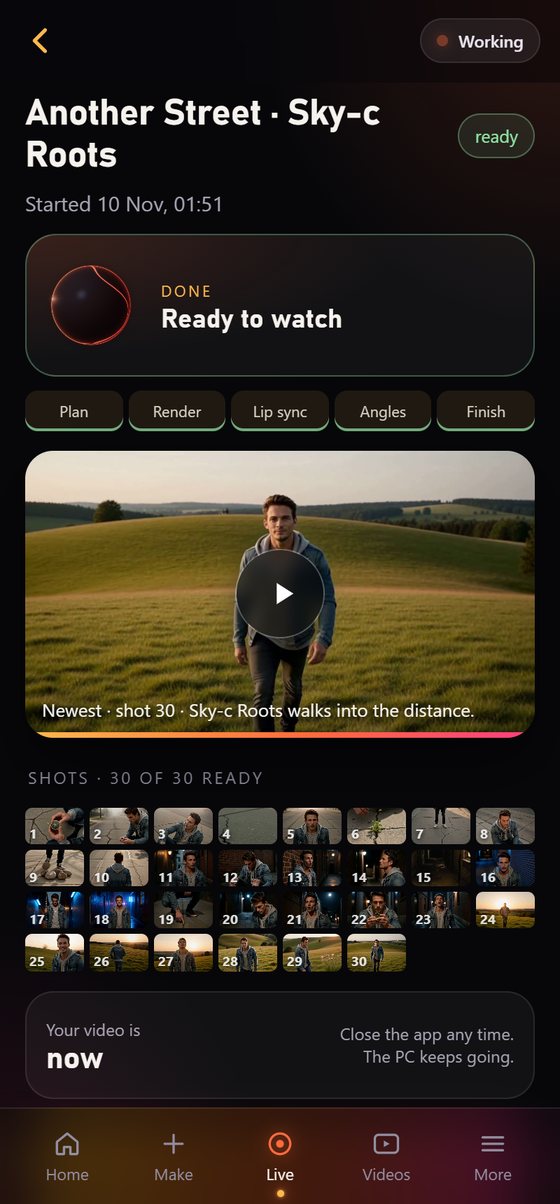
Make it yours · 10 min to set upTrain your face modelLook like yourself in every shot.
- Open Singers and add clear photos of the singer’s face.
- Start the training. It runs when your PC is free and tells you when it is done.
- Pick the new face model in Make. Every shot of that singer uses it.